
n8n + Claude: MCP and Skills
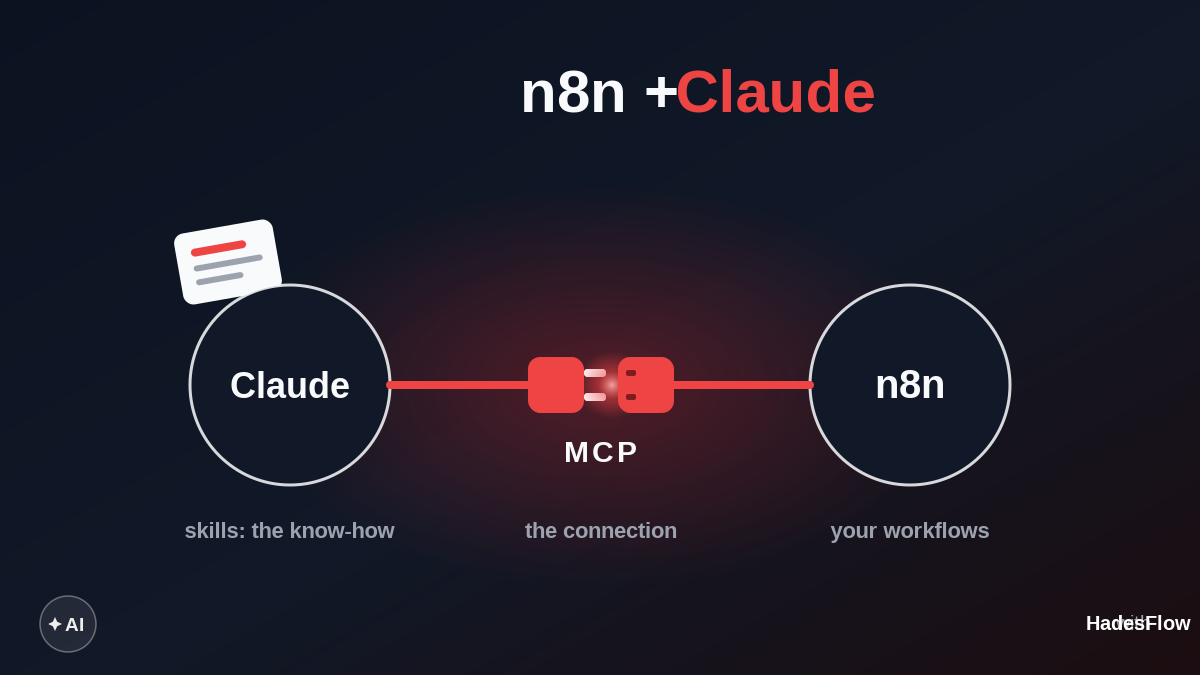
Claude can now work inside your n8n instance: find workflows, build new ones, test them and run them. Two pieces make that possible, and they do very different jobs.
Back in May we wrote that n8n and Claude aren’t competing: n8n runs the workflow, Claude does the thinking inside it. Since then the two have plugged straight into each other. n8n ships an official MCP server, so Claude can reach your instance, and an official set of skills, so Claude knows what it’s doing once it gets there.
We use both every week. This is our read as of October 2026 - both projects move fast, so check the linked docs before you copy any setting.
Two pieces, two jobs
The easiest way to keep them apart:
MCP: the hands
The Model Context Protocol is an open standard for connecting AI models to tools. n8n’s MCP server gives Claude a set of tools for your instance: search, build, validate, test, run.
Skills: the know-how
A skill is a folder of instructions and reference files that Claude loads only when the task needs it. n8n’s skills teach Claude how an experienced builder would use those tools.
You can have one without the other, but you shouldn’t want to. MCP without skills is a fast junior with admin access. Skills without MCP are a manual nobody can act on.
What n8n’s MCP server lets Claude do
The instance-level MCP server is built into n8n. Once it’s on and Claude is connected, Claude can search your workflows, run the ones you’ve exposed, and create and edit workflows and data tables. It can also validate a workflow, test it with sample data and read the execution to see what went wrong. Managing n8n’s own Agents is there too, still marked as a preview.
Access is off by default. Each workflow has an “Available in MCP” switch in its settings, and you can switch on a whole project or folder at once. Claude can see a short preview of other workflows in search, but it can’t open or run them.
“MCP” shows up in three places in n8n, and people mix them up all the time:
| Feature | Direction | Use it when |
|---|---|---|
| Instance-level MCP server | Claude → your whole n8n instance | You want Claude to build, test and run workflows for you |
| MCP Server Trigger node | Any AI app → one workflow’s tools | You want to offer a few specific tools, like “look up an order” |
| MCP Client node | Your workflow → an outside MCP server | An AI step inside n8n needs tools that live somewhere else |
This post is about the first one. If you only want Claude to call two or three of your workflows as tools, the MCP Server Trigger is often the smaller, safer choice.
What the skills add
Skills are Anthropic’s way of packaging know-how for Claude. Each one is a SKILL.md file with a short description, plus any reference files or scripts it needs. Anthropic’s docs explain the trick: Claude only keeps the descriptions in mind until a task matches one, then reads the full instructions, and opens the reference files only when it needs them. You can install a lot of skills without filling Claude’s memory.
The official n8n skills are 14 skills plus one that sends Claude to the right skill for the job, with more than 50 reference docs and worked examples. They cover the topics where we’ve seen AI-built workflows go wrong: expressions, loops and paginated APIs, error handling, credentials, files, data tables, subworkflows, AI nodes and debugging. In Claude Code they come with hooks that make Claude check the matching skill before it makes a big change.
The difference shows in the boring parts. Without the skills, Claude tends to build something that works once. With them it’s more likely to add an error path, give the nodes clear names, leave notes on the canvas and skip the Code node when a normal node does the job. n8n also says the skills save time and tokens - we haven’t measured that, but it matches what we see.
With both pieces in place, a build looks like this:
Setting it up
For Claude Code, the whole thing takes a few minutes:
/plugin marketplace add n8n-io/skills, then /plugin install n8n-skills@n8n-io and enter your instance address. The plugin brings the skills and the MCP connection together./mcp, pick n8n-mcp and choose Authenticate. You approve the access in n8n, and no API key gets copied around.Claude Desktop and claude.ai connect through Connectors instead: paste the server address from n8n (it ends in /mcp-server/http) and sign in. The skills package itself is built for coding agents - Claude Code first, plus Codex and OpenCode.
Two things that catch people out. Claude’s apps reach your instance from the internet, so a server that’s only reachable inside your office network won’t work with them. And different MCP features arrived in different n8n 2.x releases, so run the latest stable version before you start. If you host n8n yourself behind a reverse proxy, the docs list three headers it has to let through.
Where we keep a person in charge
This is the honest part. Giving an AI write access to your automation platform is a real decision, and n8n’s docs are clear about the limits: access is instance-wide, not per client. Every connected app sees every workflow you’ve exposed. So we set it up like this:
- Claude works on a dev instance, not production. We move finished workflows to production the same way we always do, as we describe in how we run n8n in production.
- Changes need a yes. In Claude, tools that create or change things stay on “ask before running”.
- Secrets stay with people. Claude can use credentials that already exist in n8n, but a person enters the keys and passwords.
- Publishing is a human decision. Every workflow keeps its version history, so a bad change is one click to roll back.
- Sign-in is locked down. By default n8n accepts any sign-in callback address. Admins can and should limit that list.
- Skills come from trusted sources. A skill is instructions plus code, and Anthropic says to treat installing one like installing software. Read it first.
Claude builds and tests on dev. A person reads the workflow, then publishes it. If nobody on your team can read what Claude built, you’re not ready to run it.
That last line is also when you don’t need any of this. A simple workflow takes ten minutes in the editor, and it’s not worth wiring up an AI for. And if nobody in-house understands n8n yet, an AI that builds faster only gives you more workflows you can’t fix.
Your own skills are where it gets good
n8n’s skills teach Claude n8n. They don’t know your rules: how you name workflows, which error workflow every production flow must call, which credentials belong to which client, where things go in your folder structure. That’s a skill you write yourself, once, and then every build follows it.
We do the same for our own work. This post started from a skill we wrote for our blog: it knows our voice, our page template and the rules for our images, and a person still reviews every line before it goes out.
How we help
If you want this set up properly, we can do it with you or for you:
We build
n8n workflows, plus custom Claude skills that capture your conventions, and a safe MCP setup to go with them.
We teach
Hands-on training so your own team can build with Claude and n8n, and review what the AI builds.
We run
We configure, monitor, maintain and upgrade your n8n, and keep it secure, MCP settings included.
Hands and know-how
MCP gives Claude a way into n8n. Skills give it the judgement to work there without making a mess. Put both behind a dev instance and a person who presses publish, and you get faster builds without giving up control.
Want Claude building in your n8n, safely? Get in touch - we’ll help you set up MCP and the skills, write the skills for your own rules, or train your team to do it.